Introducing new immersive mode for Ed-Tech chatbot
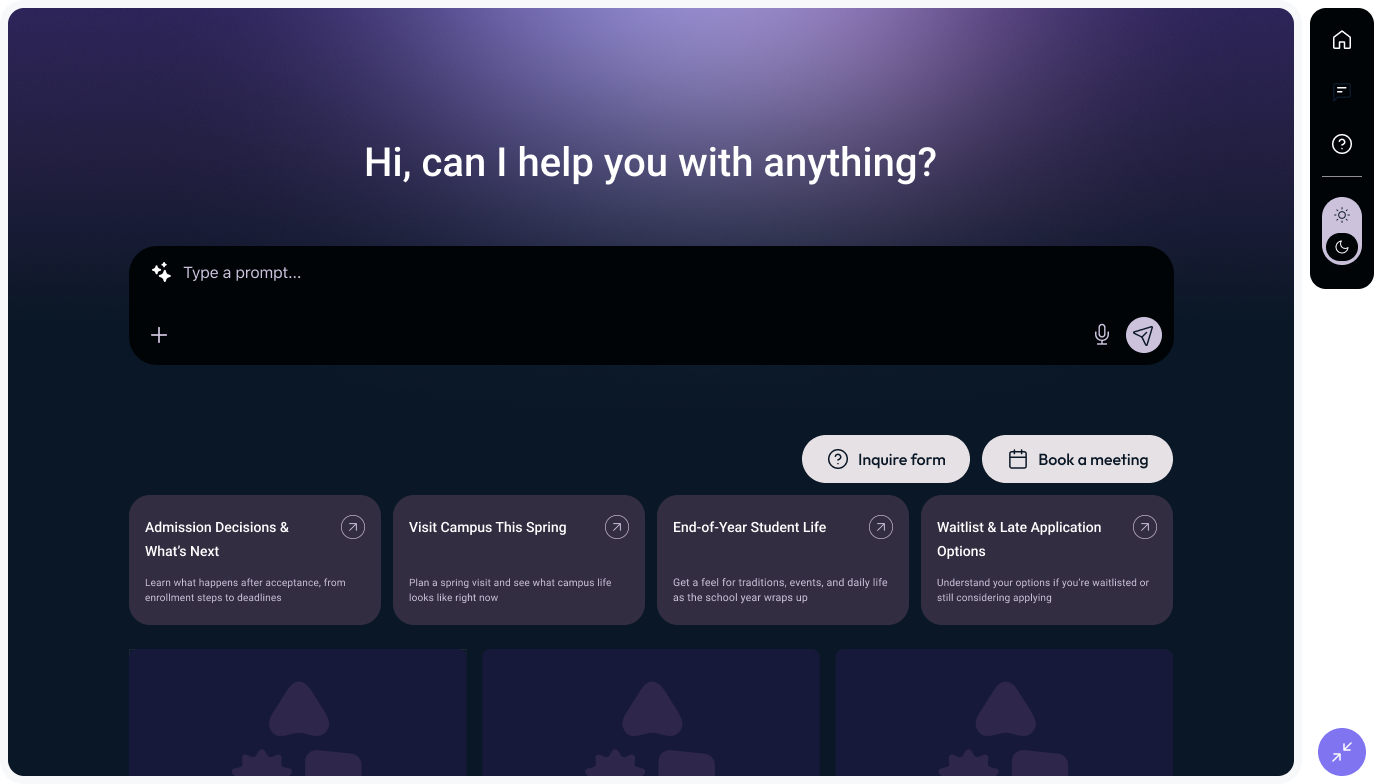
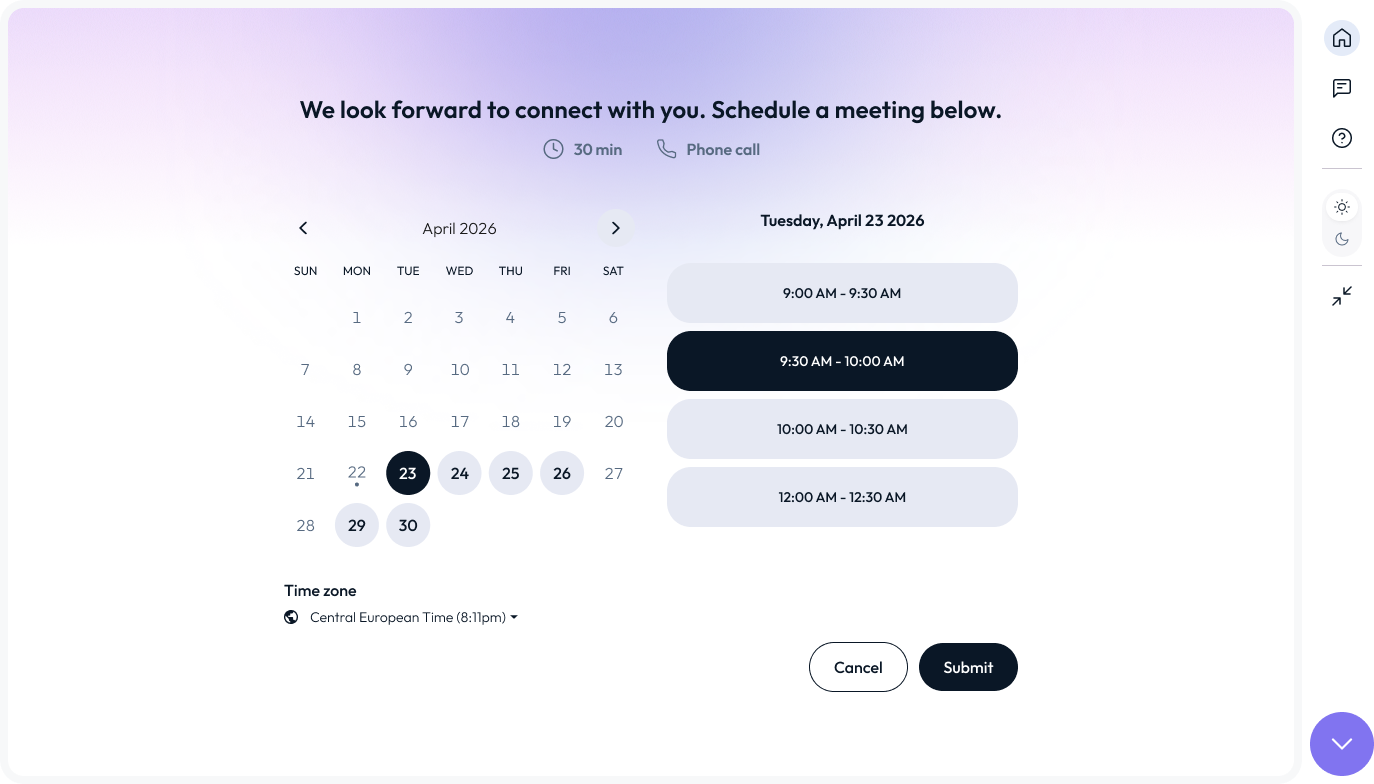
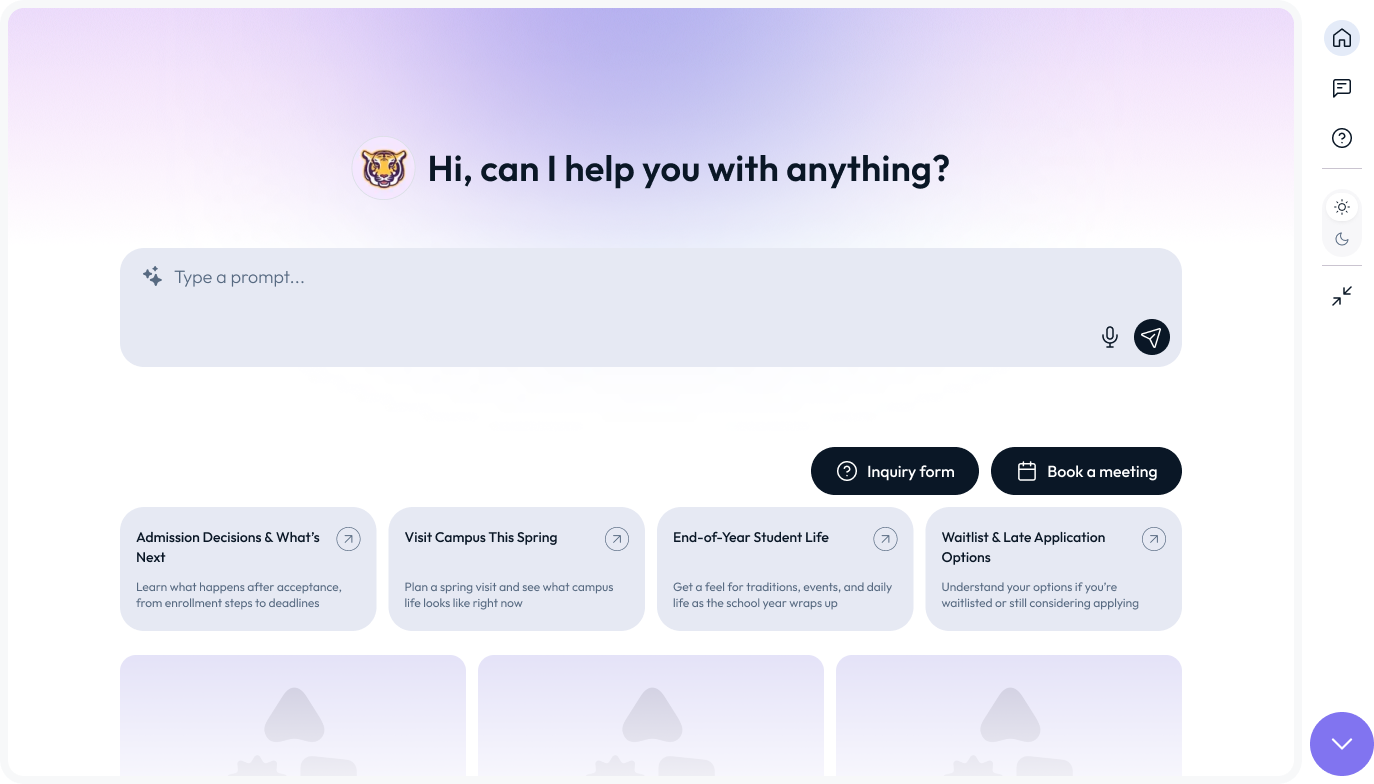
Evolving from a passive floating assistant into a wide-screen, immersive conversational space — a first-class entry point aligned to user intent and page context.
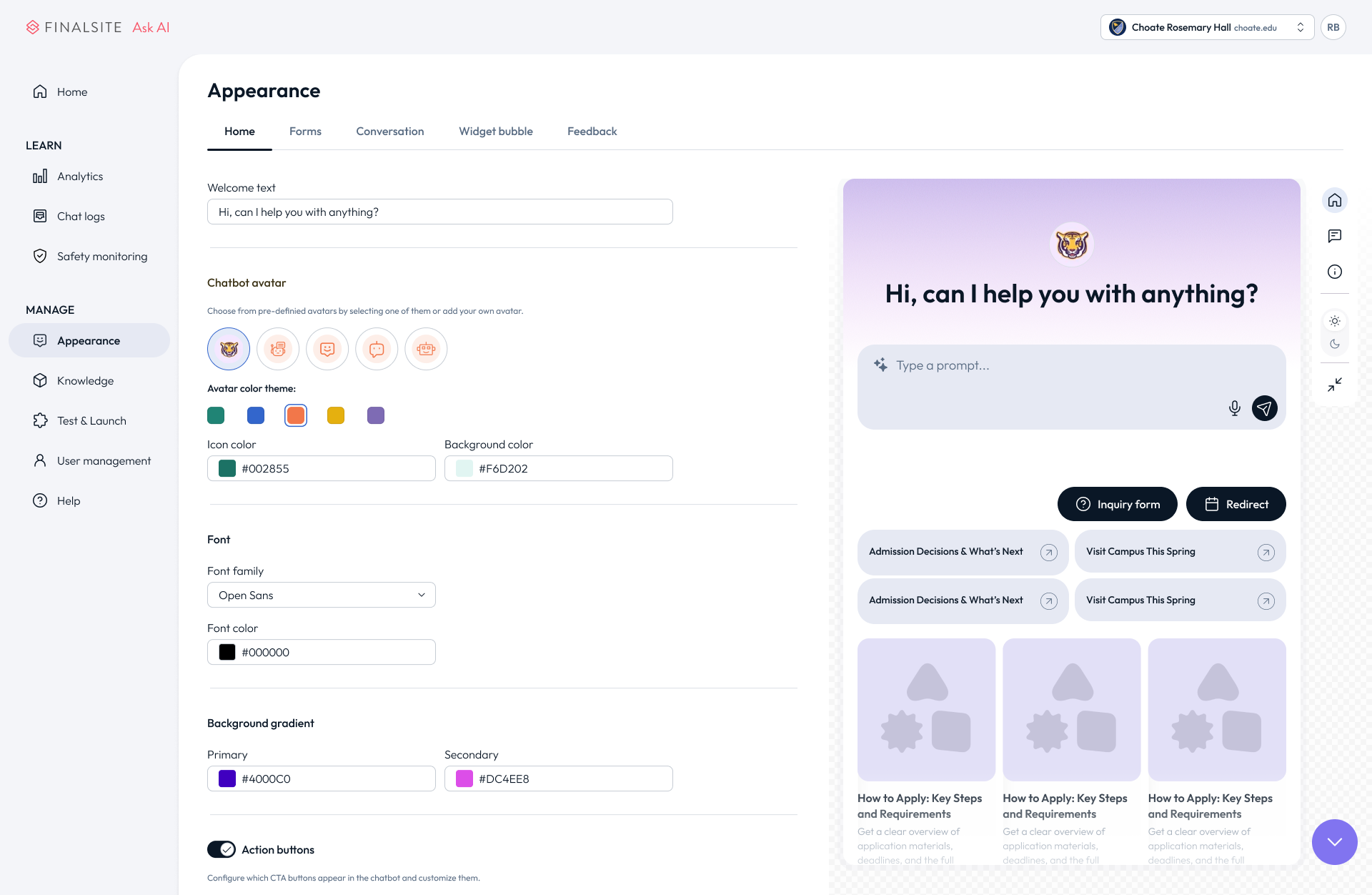
This shift repositions chatbot not merely as a support tool, but as an intelligent discovery surface capable of hosting richer interactions: guided workflows, AI-powered search, embedded media, and contextual help — all within a scalable, extensible interface architecture.
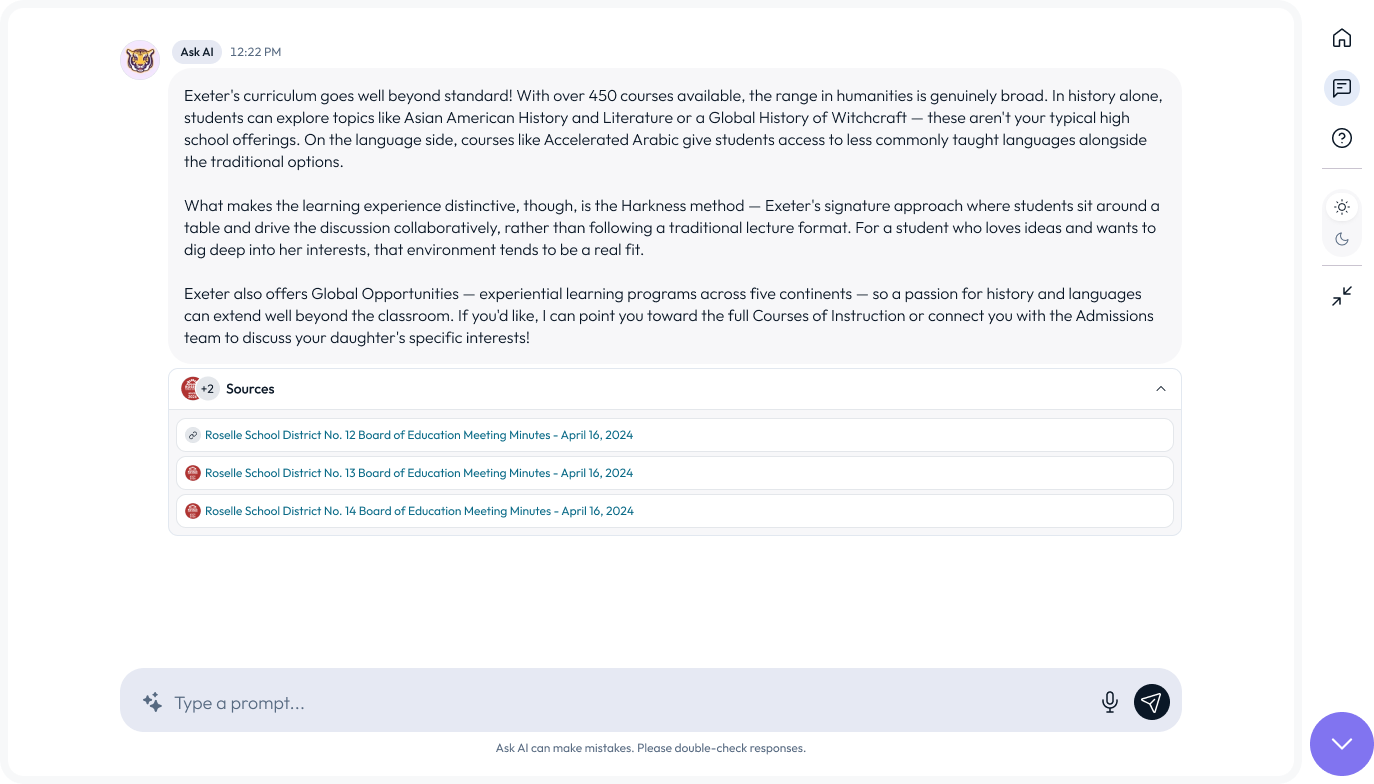
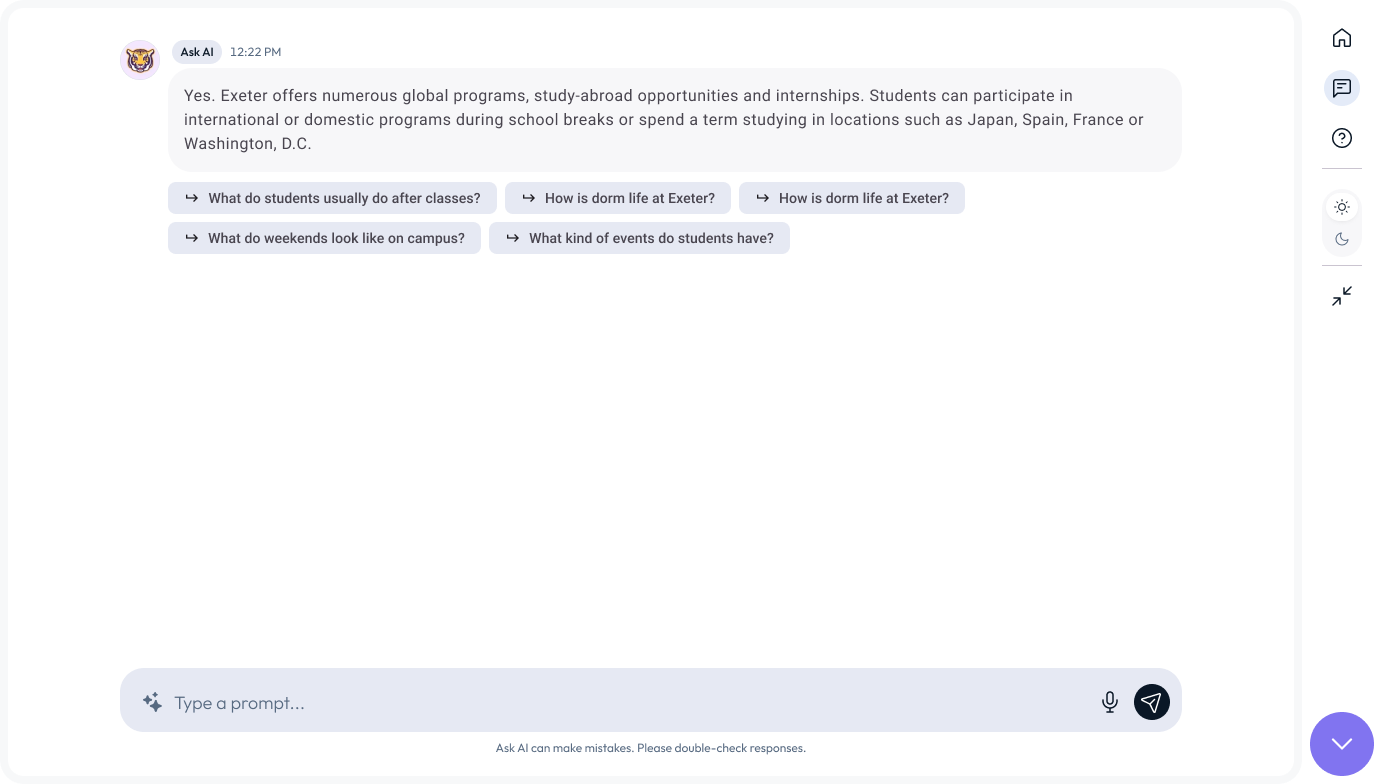
Multimedia in AI Responses and Suggested Follow-up Questions reflect a shared conviction that text-only responses are insufficient for complex or procedural topics. Enriching responses with video, imagery, and structured guidance pathways will materially improve task completion and user confidence.
Richer AI Output to Improve Comprehension
Context Awareness as a Differentiator
Context-Aware AI and Smart Question Prompts both point toward an assistant that understands where the user is and what they likely need — reducing the cognitive load of formulating queries and surfacing the most relevant guidance proactively. This transforms Ask AI from reactive to anticipatory.
KEY DESIGN REQUIREMENT
The interface had to be architected as a scalable, intentional surface — positioned as a first-class AI entry point across the website, responsive to user intent and page-level context, and capable of evolving to support AI search, guided workflows, and richer modalities over time.

Design exploration
Thematic Insights & Design Rationale captures the thinking behind the decisions — translating research, patterns, and early explorations into a clear design direction. This show how raw ideas evolved into intentional choices.
-
Side PanelViewing sources directly on the website — available in horizontal or vertical orientation, occupying up to 1/3 of the screen. Keeps users in context without navigating away.
-
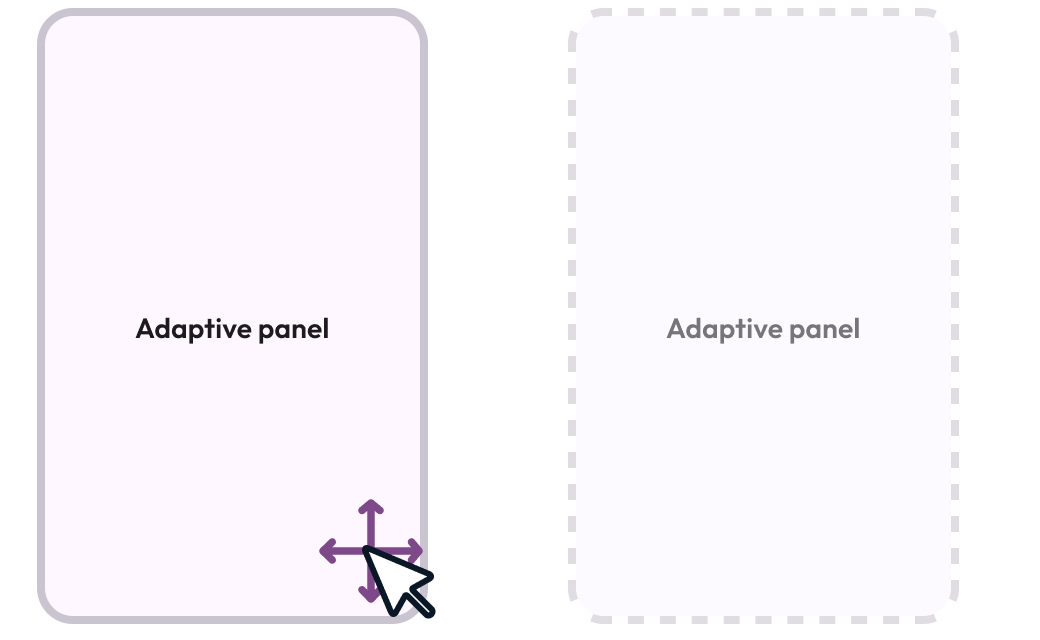
Resizable WidgetWidget dimensions can be adjusted manually by the user or dynamically based on the length and complexity of the AI output.
-
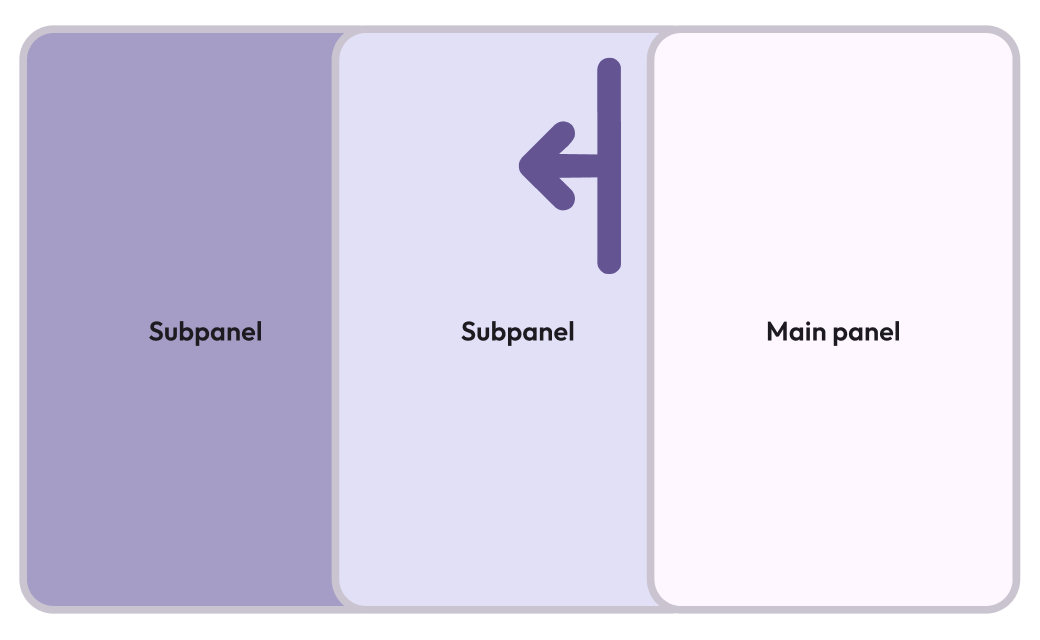
Hand Fan PanelA layered panel system that fans out as additional sub-panels are introduced — enabling progressive disclosure of deeper content or related topics.
-
Adaptive Chat LayoutThe widget reflows fluidly — similar to a resizable video tile — adapting between half-screen and fullscreen modes based on content volume and conversation stage.
-
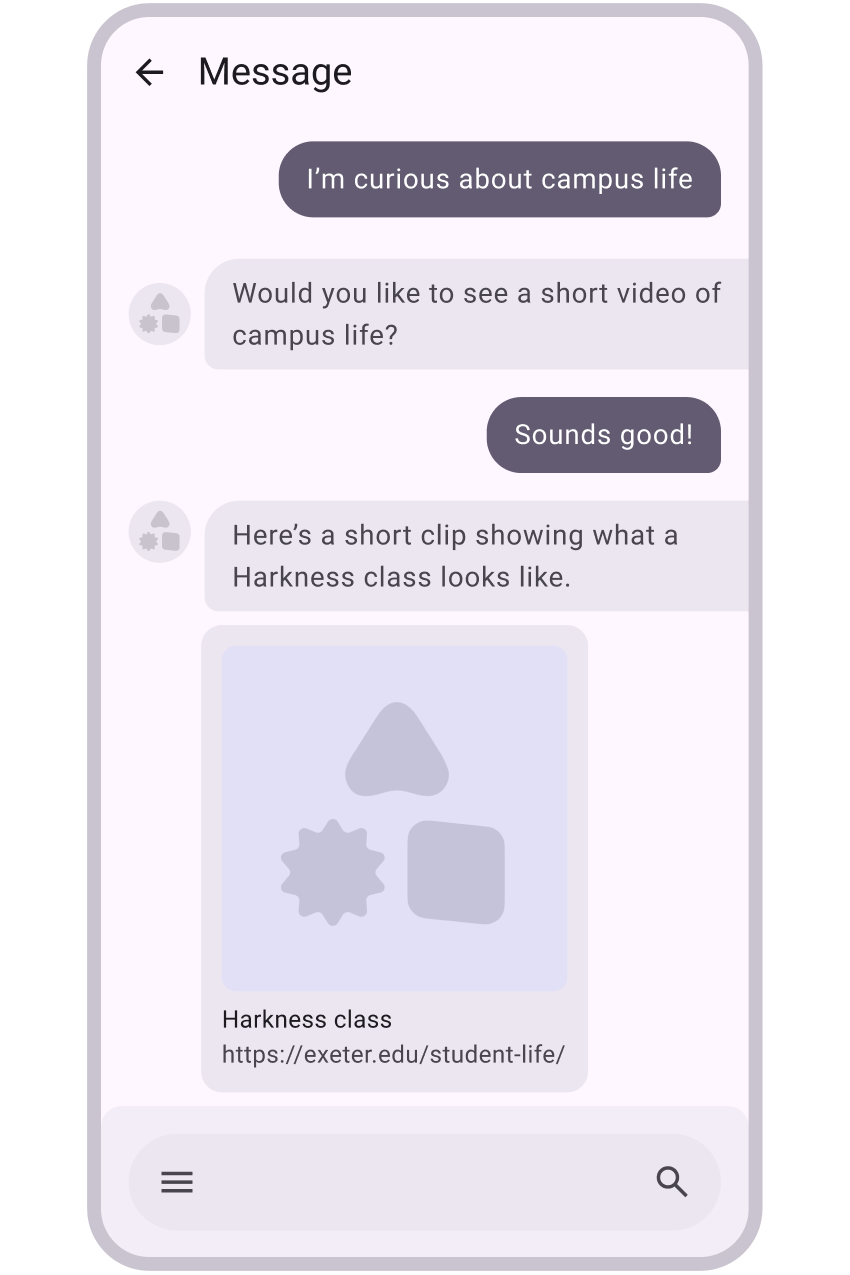
Multimedia in AI ResponsesAI responses are enriched with embedded images and video to support visual learning and improve comprehension for media-heavy topics.
-
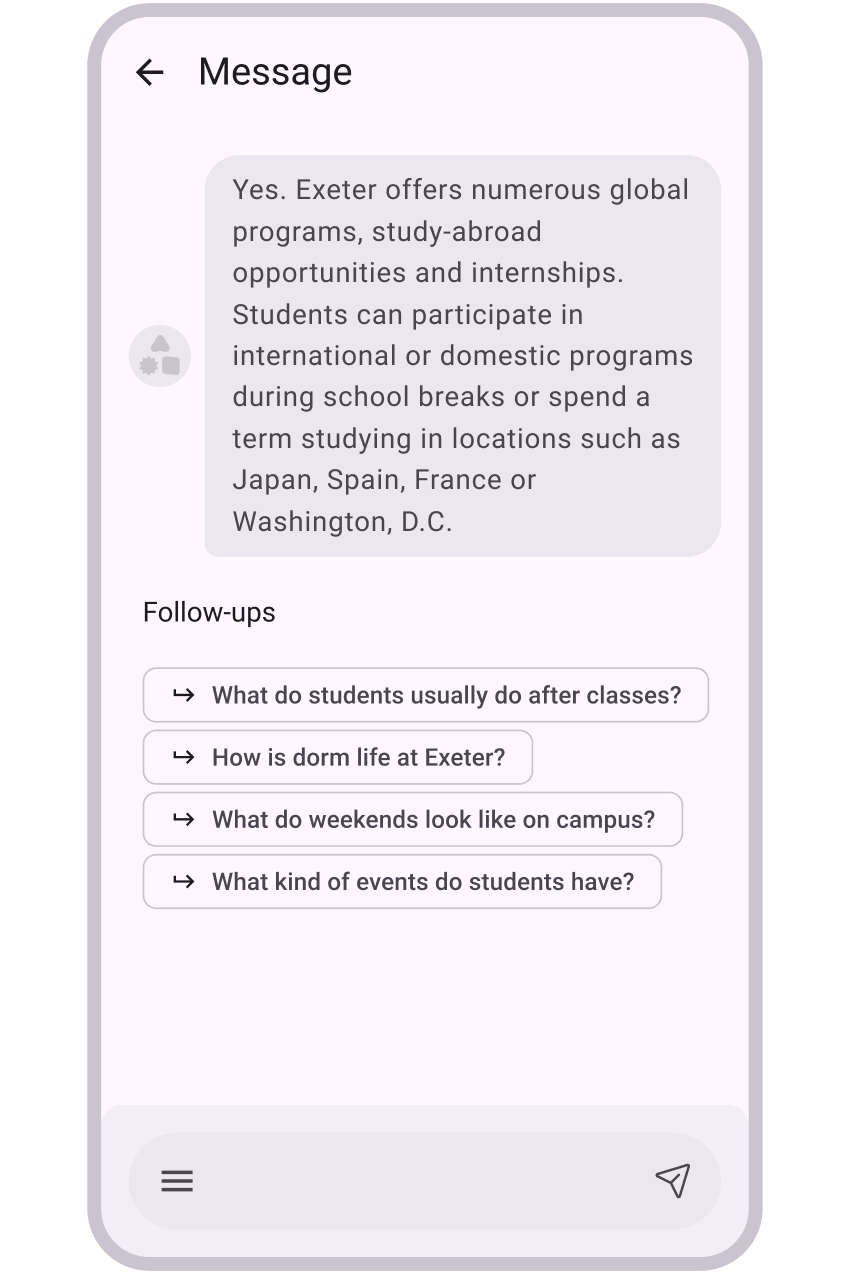
Suggested Follow-up QuestionsAfter each response, the assistant surfaces relevant follow-up questions to guide users through remaining doubts and explore adjacent topics without friction.
-
Context-Aware AIThe AI surfaces content relevant to the page the user is currently viewing — grounding responses in their immediate browsing context.
-
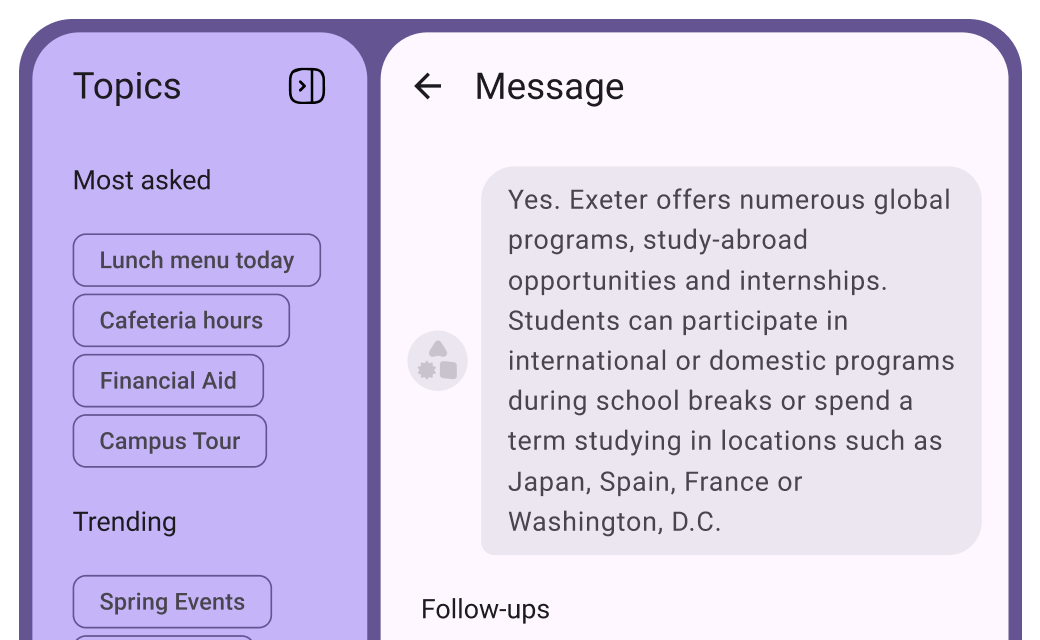
Topic-Based Quick ActionsExpanded theme prompts and starting suggestions are presented either as a side panel or as blocks beneath the input field — lowering the barrier to engagement.
-
Smart Question PromptsPredefined question sets are replaced with dynamic, seasonally-aware topic suggestions (e.g., enrollment season, academic calendar) that reflect current user needs.
-
Ask-First ExperienceA minimalist interface centred entirely on the question-and-answer interaction, supporting both text and voice input. Optimised for focused, intent-driven sessions.
-
Resolve Before SupportBefore routing users to live support, the AI proactively surfaces relevant answers and self-service solutions — reducing support escalations and improving user confidence.